
Google Play Store
Google Play Store is Google's digital distribution platform for Android, used to find, install and update apps, games and books.
101.1 MB

4.9.36 · Android Does · Page updated
Apex Launcher is a free Android launcher that replaces the standard home screen and app drawer with a customisable one.
Average 0.0 · ratings: 0
Thank you! Your rating is saved; you can change it. Could not save the rating. Please try again later. Too many ratings from your network today. Please try again tomorrow. The average appears after 5 ratings.
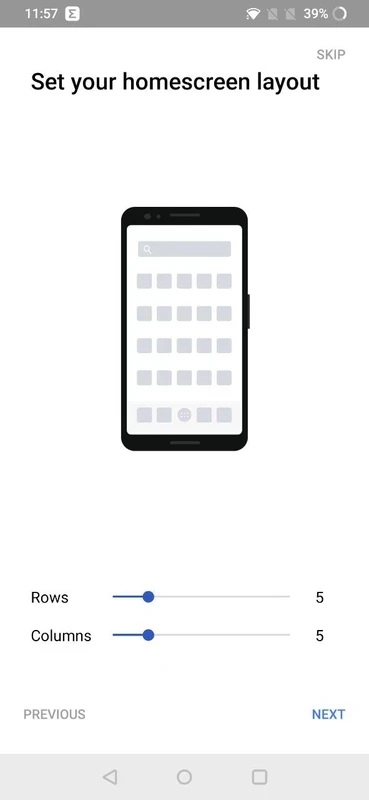
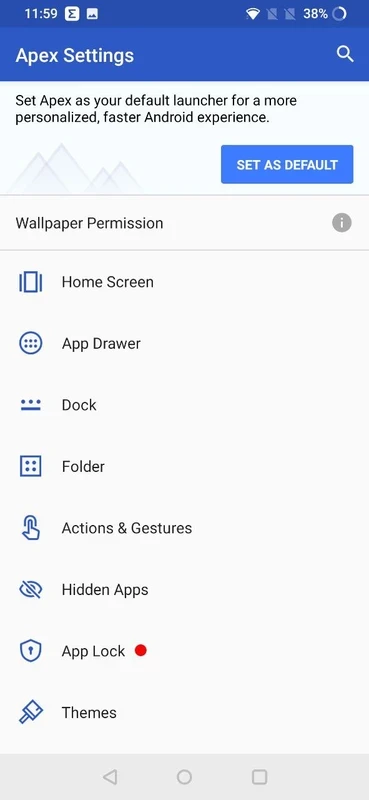
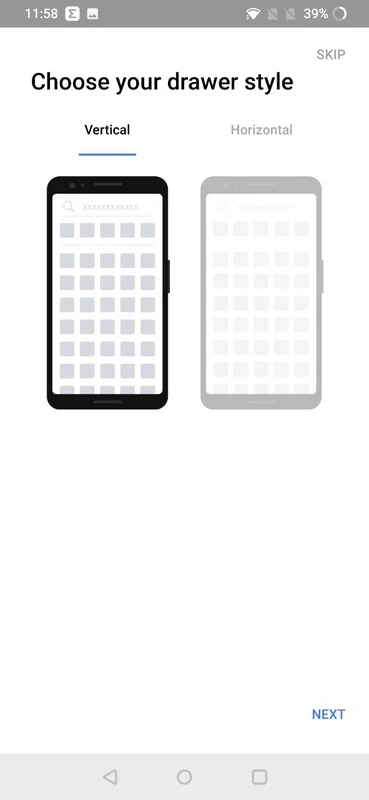
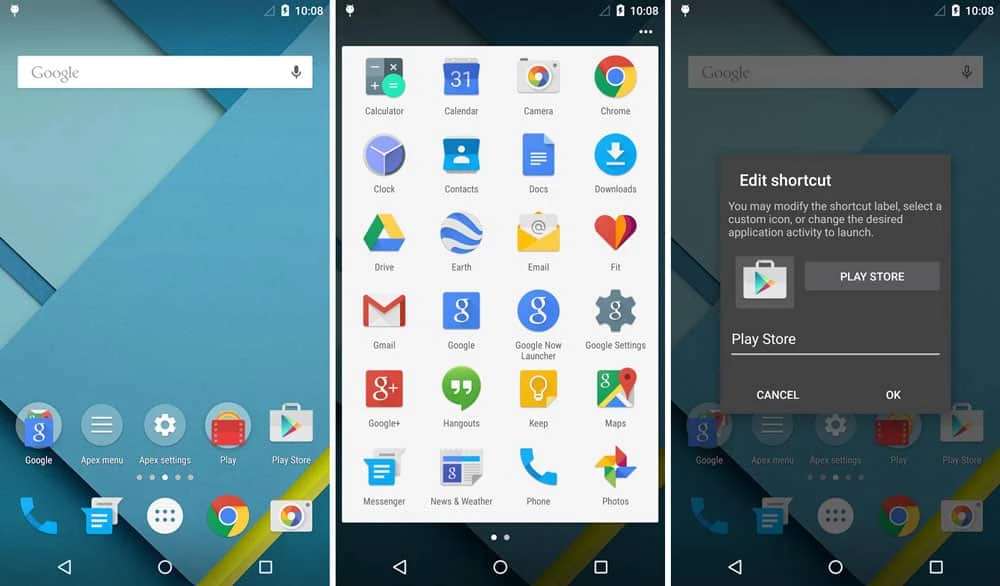
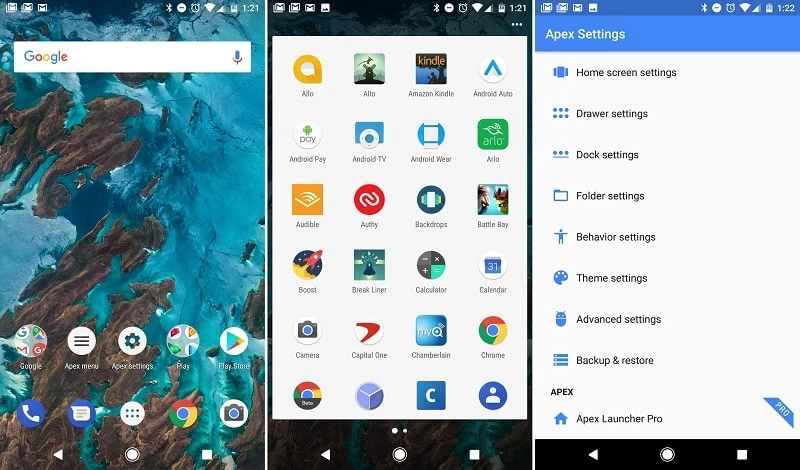
Apex Launcher 4.9.36 is a free home screen launcher for Android from the developer Android Does. It replaces the standard home screen and app drawer that came with your phone, and you can download Apex Launcher for Android to give the device a different look and layout without rooting it.
The launcher is the part of Android you see most: the home screens, the dock at the bottom, the app drawer and the way icons and folders are arranged. Phone makers ship their own launchers, and some people find them cluttered, slow on older devices or simply not to their taste. A third-party launcher like Apex lets you change that layer while leaving the rest of the system untouched. You install it as a normal app, choose it as the default home app, and from then on pressing the home button opens Apex instead of the stock screen. If you do not like the result, you switch back in the settings and nothing is lost. That makes launchers one of the safest ways to personalise an Android phone, because they do not change system files or require special permissions beyond what a home screen needs.
Apex suits people who want a clean, tidy home screen, owners of older phones whose stock launcher feels heavy, and those who enjoy arranging icons, folders and widgets their own way. If you are happy with your current home screen, there is no need to install another launcher.
Apex Launcher is free. We do not have an official website for it in our data, so install it from Google Play rather than from APK sites, where modified builds with extra ads or malware may appear. A launcher sees which apps you open, so pick one from a source you trust and review its permissions.
Before switching, take screenshots of your current home screens so you can recreate the layout if you return. Keep the number of home screens small and group rarely used apps in folders; a simple layout is faster to use every day.
For other ways to customise your phone, our listings include QuickShortcutMaker and Activity Launcher for shortcuts to app screens.
Google Play Store is Google's digital distribution platform for Android, used to find, install and update apps, games and books.

APKPure is a third-party app marketplace for Android that installs apps from APK files outside Google Play. This page covers version 3.20.7803.

Aptoide is an open-source alternative app store for Android, running since 2009. This page covers version 9.22.5.3.

QuickShortcutMaker is a small Android tool for creating home screen shortcuts to specific screens of installed apps, including hidden settings.